
Model:
Your Model No.:
Mfr. No.:
Learn how to download and customize your flyer with your company information. Then feature it on your website, or email or hand it out to your customers.
To customize the pdf, you will need Adobe Acrobat Reader.
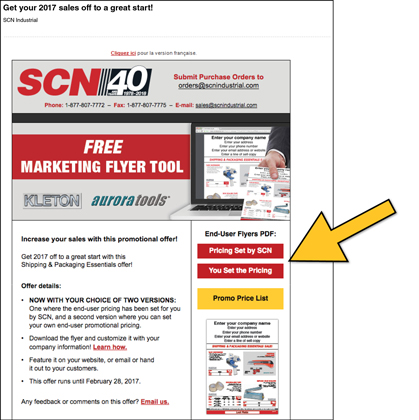
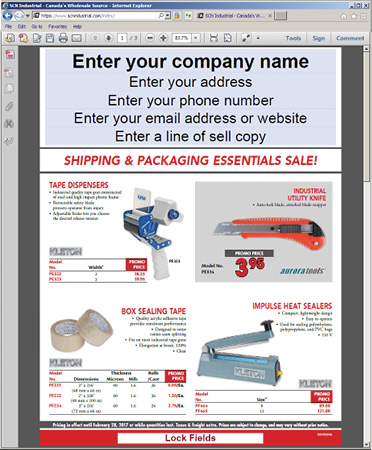
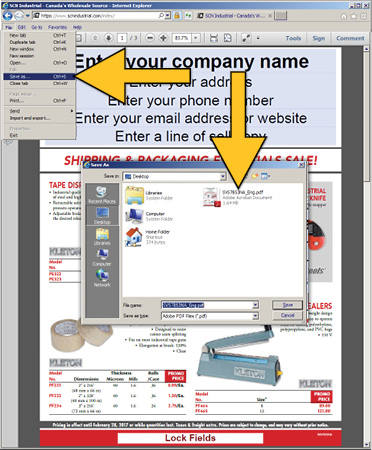
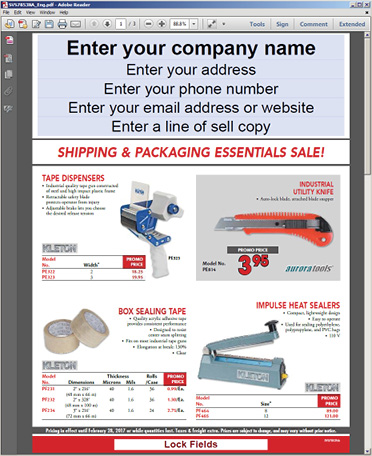

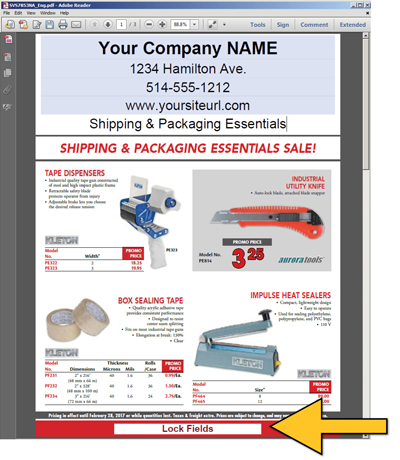
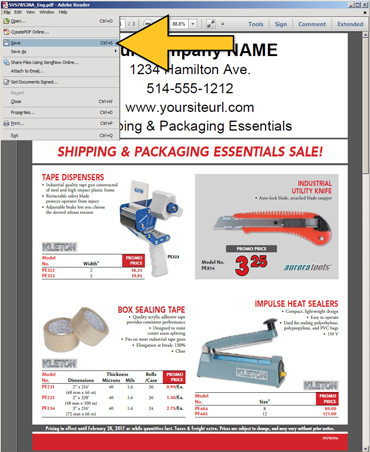
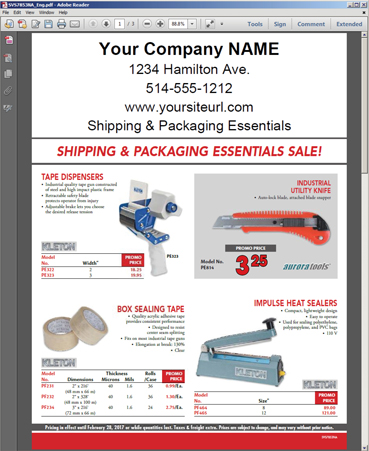
*These no-skills-required, customizable flyers were created to function with the most widely-available, free software, so they would be accessible to all. Should you wish to add a logo, background, etc., your graphic artist will need to manipulate the documents in software such as Photoshop, Illustrator or other software that can edit a PDF.

Customer Service
Programs Information
Max quantity is 999999999. Your cart item has been updated
Model:
Your Model No.:
Mfr. No.:
